Beautiful.ai
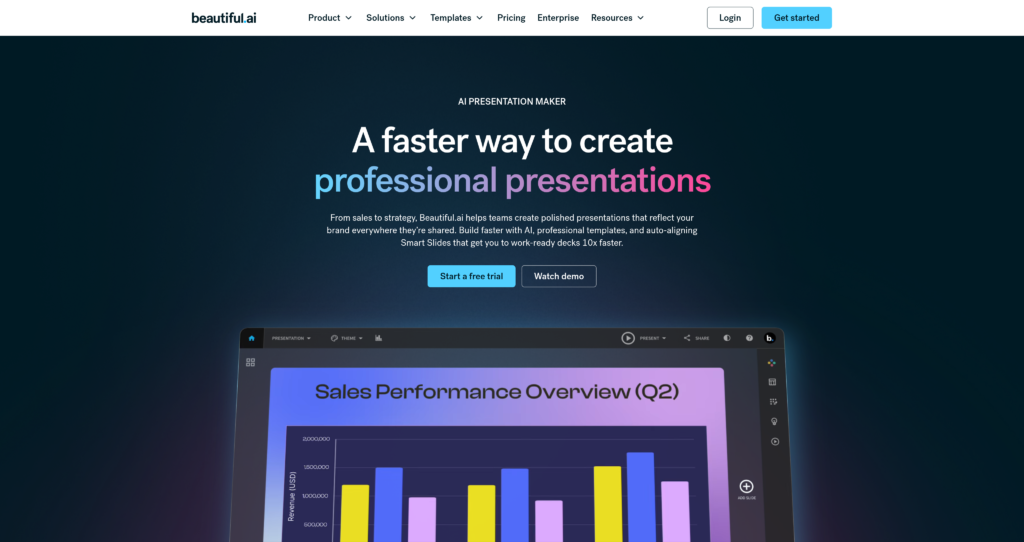
Beautiful.ai is an AI-powered presentation platform that uses smart templates to auto-format, align, and clean up slide designs in real-time.

Beautiful.ai is an AI-powered presentation platform that uses smart templates to auto-format, align, and clean up slide designs in real-time.

Beautiful.ai is an AI-powered presentation design platform built to automate the slide creation process. Using visual intelligence rules, the platform adjusts layout elements, spacing, and sizing dynamically as you insert text, graphs, or image blocks. This smart formatting ensures that presentations maintain a polished, highly professional look without the manual formatting struggle associated with legacy slide editors.
The platform features DesignerBot, an AI assistant capable of drafting entire presentation outlines, slide decks, and copy from a simple text prompt. It also includes centralized brand governance controls, enabling marketing teams to establish set font families, default color themes, and corporate logos that apply universally to all slides. Beautiful.ai is a highly professional design suite optimized for corporate teams that want to build presentation decks in half the time. Readers comparing AI graphic utilities can also explore Napkin AI, AIPPT, and check out other AI presentation tools.

DesignerBot AI Creator : Generate complete slide decks, outlines, and initial layout structures automatically from a single prompt or web link.
Smart Slide Templates : Access a library of over 300 responsive slide templates that automatically resize, align, and organize elements in real-time.
Universal Brand Governance : Lock specific font choices, corporate color codes, and logos globally to ensure consistent presentation designs across your entire team.
Data Visualization Nodes : Easily design animated charts, graphs, and visual dashboards by pasting spreadsheets or custom data tables.
PowerPoint Integration : Export completed presentations as fully editable PowerPoint (.pptx) files or static high-resolution PDFs.
Slide Library Synchronization : Save and store custom template slides in a centralized team library to reuse across multiple pitch decks.
Engagement Analytics : Track viewers’ activity to see how much time they spend reading specific slides in your shared presentations.
Version History Tracking : Save slide versions, track team edits, and roll back changes to manage document development cycles.
✔ Smart templates automatically manage spacing and alignment, saving hours of manual adjustments.
✔ Generates beautiful, visually polished slides that consistently match your corporate brand guidelines.
✔ DesignerBot AI builder is highly effective for drafting initial slide layouts and outlines from scratch.
✔ Supports standard editable PowerPoint (.pptx) and PDF exports for local archiving and editing.
✔ Comprehensive slide analytics offer insights into how prospective clients interact with shared decks.
✔ Charts and infographics automatically resize to cleanly fit custom text callouts and labels.
✔ Cloud integrations with Google Drive and Dropbox make team folder updates straightforward.
✖ No permanent free subscription option; users must provide a credit card to access the 14-day trial.
✖ Automated formatting constraints can feel rigid and limit absolute design freedom or positioning.
✖ PowerPoint (.pptx) exports can occasionally result in minor alignment shifts requiring manual cleanup.
✖ AI-generated slide outlines can require substantial editing for technical or niche topics.
✖ Single presentation purchases are relatively expensive ($45) for occasional, one-time users.
✖ Team and collaborative pricing tiers carry mandatory minimum seat requirements.
| Plan | Type | Price | Usage Limit | Inclusions |
|---|---|---|---|---|
| Free Trial | Trial | $0 | 14-day limit, credit card required | Try core templates, AI generation, and standard PowerPoint exports before billing begins. |
| Pro | Subscription | $12/month (Billed annually, or $15/mo billed monthly) | Unlimited slides & AI creations | PowerPoint and PDF exports, viewer engagement analytics, custom templates, and style controls. |
| Team | Subscription | $40/user/month (Billed annually) | Shared team libraries | Real-time co-authoring, version control, multi-language support, custom branding locks, and shared integrations. |
| Enterprise | Custom | Custom (Contact Sales) | Centralized billing | Advanced enterprise security (SAML SSO, SCIM), custom onboarding, central administration controls, and custom terms. |
Note: Beautiful.ai also offers a single presentation purchase option for $45, allowing you to edit and export one deck without committing to a monthly subscription.
Source: Beautiful.ai pricing. Verify current Pro and Team rates, seat minimums, free trial terms, and plan details on the official website.
No, Beautiful.ai does not have a permanent free subscription tier. They provide a 14-day free trial, but you must register a credit card to access it. If you do not cancel your trial before it ends, your card will be automatically charged.
Yes. You can export any slide deck as a fully editable PowerPoint (.pptx) file or as a static PDF document. Note that minor layout cleanups may occasionally be required inside PowerPoint after exporting.
"Smart Slides" are Beautiful.ai's responsive layout templates. Instead of forcing you to drag-and-drop elements manually, they use preset formatting rules to auto-adjust spacing, column alignments, and font sizes as you add or remove content.
Yes. Beautiful.ai offers a single presentation purchase option for $45. This is an excellent alternative for occasional users who only need to build and export one presentation deck.
DesignerBot is the built-in AI assistant. You describe your presentation topic or prompt in plain English, and the AI automatically generates a complete draft presentation including theme styles, outlines, layouts, and copy suggestions.
| Key Features | ||||
|---|---|---|---|---|
| Review Score | 9.2/10 | 9.8/10 | 9.8/10 | 9.6/10 |
| Pricing Model | Subscription / Enterprise | Free / Open Source | $0-60/month | Freemium / Usage-Based / Enterprise |
| Free Plan | ✖ No | ✔ Yes | ✔ Yes | ✔ Yes |
| Starting Cost | Premium | Free | Freemium | Freemium |
| Details Page | Active Page | Compare | Compare | Compare |
shadcn/ui is an open-source component collection for building customizable React design systems with Tailwind CSS, Radix UI patterns, charts, blocks, and copyable source code.
Figma is the industry-standard collaborative design platform that becomes AI-powered through 100+ plugins for wireframing, copywriting, asset generation, accessibility checking, and code export.
v0 by Vercel is an AI app builder for generating, editing, integrating, and deploying full-stack websites and applications from natural-language prompts.
Canva is an online design and visual communication platform for creating presentations, social posts, videos, documents, websites, brand assets, and AI-powered marketing content.
Framer AI helps users generate responsive website layouts, translate sites, use AI plugins, and launch modern no-code websites with hosting, CMS, SEO, analytics, and localization.
Expo is a full-stack React Native framework and cloud services platform for building, previewing, submitting, updating, monitoring, and deploying iOS, Android, and web apps.
Otter is an AI meeting assistant that records, transcribes, summarizes, answers questions, creates workflows, syncs notes to CRMs, and captures action items from meetings.
Phind AI is an AI-powered search and chat tool for developers that helps answer coding questions, explain errors, debug issues, and find programming solutions with live web context.