
About Canva
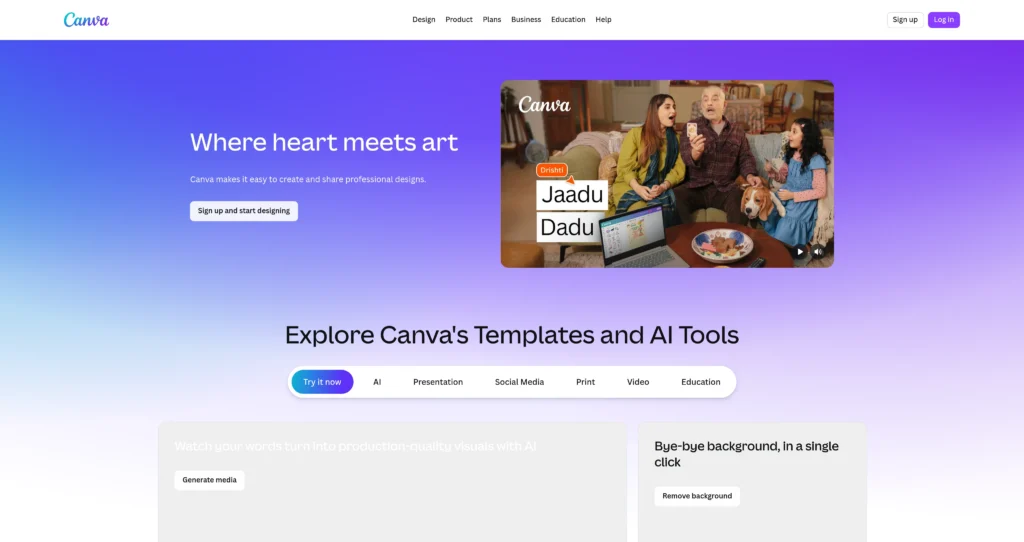
Canva is an online design and visual communication platform for creating social posts, presentations, videos, documents, posters, websites, whiteboards, brand assets, and marketing content. It is built for people who need polished visuals without starting from a blank professional design tool.
Canva combines templates, stock assets, brand kits, collaboration, publishing tools, and AI features under Magic Studio. For users focused specifically on image generation, we also have a dedicated Canva AI Image Generator listing, while this page covers the broader Canva design platform for teams, creators, educators, marketers, and businesses.
Key Features
Template-based design : Start from templates for social media posts, presentations, videos, resumes, posters, documents, websites, and more.
Magic Studio AI tools : Use AI features such as Magic Design, Magic Write, Magic Media, background tools, design generation, editing, and creative assistance depending on plan and region.
Brand Kit : Store logos, colors, fonts, templates, and brand guidelines so teams can create consistent content.
Video and presentation tools : Build presentations, reels, ads, explainer videos, and animated content inside a beginner-friendly editor.
Collaboration : Share designs, comment, edit with teammates, organize folders, and manage team workflows on paid plans.
Stock assets : Access photos, graphics, audio, videos, icons, fonts, and design elements, with premium libraries available on paid plans.
Publishing and export : Download in common formats, share links, publish websites, schedule social content, and reuse designs across channels.
Education and nonprofit access : Canva offers special access programs for eligible schools, teachers, students, and nonprofit organizations.
Pros
✔ Very easy for non-designers to create professional-looking visuals quickly.
✔ Massive template and asset library reduces design time for marketing teams and creators.
✔ Strong fit for social media, presentations, ads, brand content, documents, videos, and simple websites.
✔ Magic Studio AI features speed up ideation, writing, image generation, editing, and design variations.
✔ Brand Kit and collaboration features help teams keep designs consistent.
✔ Free plan is useful for students, creators, and small projects before upgrading.
✔ Pairs naturally with marketing and SEO workflows for campaign content production.
Cons
✖ Some premium templates, assets, AI features, Brand Kit tools, and background removal require paid plans.
✖ Designs can look template-like if users do not customize layouts, typography, and brand style.
✖ Regional pricing can vary, so users should verify current local pricing on Canva’s official pricing page.
✖ Advanced professional design workflows may still require dedicated tools like Affinity, Adobe apps, Figma, or custom production software.
✖ AI-generated content should be reviewed for brand safety, licensing, factual accuracy, and platform policy compliance.
Plans & Pricing
| Plan | Type | Price | Usage Limit | Inclusions |
|---|---|---|---|---|
| Canva Free | Free | $0 / local equivalent | Free templates, assets, storage, and limited AI/tool access | Core editor, templates, basic assets, collaboration, downloads, simple design workflows, and limited AI features. |
| Canva Pro | Subscription | Regional pricing varies ⚠️ | Single-user premium plan | Premium templates/assets, Brand Kit, background remover, Magic Resize, more storage, premium AI features, and advanced export/productivity tools. |
| Canva Teams | Team subscription | Regional pricing varies ⚠️ | Per-seat team plan with minimum seat rules depending on region | Everything in Pro plus collaboration, shared brand controls, team folders, approval workflows, template locking, and team management features. |
| Enterprise / Education / Nonprofit | Custom / eligibility-based | Custom or free for eligible organizations | Depends on organization type | Enterprise governance and security for large organizations, plus free/special access programs for eligible schools and nonprofits. |
Source: canva.in and canva.com/pricing (verify regional pricing on official website).
FAQs
Q1: What is Canva used for?
Canva is used to create social media graphics, presentations, videos, documents, posters, websites, brand assets, marketing content, and AI-assisted designs.
Q2: Is Canva free?
Yes. Canva has a free plan with access to core design tools, templates, assets, and limited AI features. Paid plans unlock more premium assets, brand tools, AI features, and team controls.
Q3: What is Canva Magic Studio?
Magic Studio is Canva’s collection of AI-powered tools for design generation, writing, image/video generation, editing, resizing, and creative assistance inside the Canva editor.
Q4: Can teams use Canva for brand content?
Yes. Canva Teams adds collaboration, shared folders, Brand Kit features, approval workflows, template controls, and team management tools for brand-consistent content creation.
Q5: Who should use Canva?
Canva is best for marketers, creators, students, educators, small businesses, agencies, social media managers, and teams that need fast visual content without complex design software.
Published on: May 25, 2026