Craiyon
Craiyon is an AI-powered image generation tool that creates visual content from text prompts. It serves artists, students, and hobbyists.
Pricing:
Premium (Freemium)
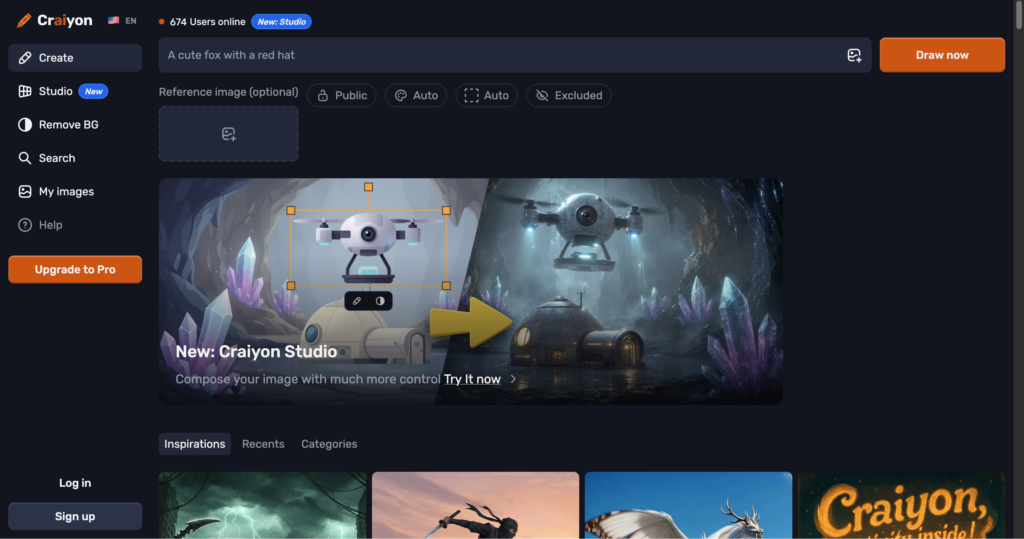
Craiyon is an AI-powered image generation tool that creates visual content from text prompts. It serves artists, students, and hobbyists.
Craiyon is a free online AI image generator that turns text prompts into digital drawings, paintings, and photorealistic illustrations. Originally known as DALL-E Mini, it is widely popular as a casual, fun, and completely open drawing playground.
Unlimited Generations: Generate images from prompts as many times as you like without daily restrictions.
Style Selectors: Choose styles like Art, Drawing, Photo, or None directly in the UI.
Negative Prompts: List keywords to exclude from final visual layouts.
✔ 100% free and requires no signup or registration.
✔ Extremely simple prompt interface.
✖ Free plan carries numerous banner ads and slow rendering.
✖ Output resolution and photorealism are basic compared to midjourney.
| Plan | Type | Price | Details |
|---|---|---|---|
| Free Web | Free | Free | Unlimited generations with ads, standard priority. |
| Supporter | Subscription | $5/month | No ads, faster generation, background transparency. |
Yes, Craiyon is free to run in web browsers, supported by ads.
| Key Features |
Craiyon
Active |  Midjourney
 |  Stable Diffusion
 |  Leonardo AI
 |
|---|---|---|---|---|
| Review Score | 8.1/10 | 9.7/10 | 9.6/10 | 9.5/10 |
| Pricing Model | Premium | $10/month | Pay-as-you-go | $10 monthly |
| Free Plan | ✔ Yes | ✖ No | ✔ Yes | ✔ Yes |
| Starting Cost | Freemium | Freemium | Free | Free |
| Details Page | Active Page | Compare | Compare | Compare |
Midjourney is an AI image generation tool that transforms written prompts into highly artistic and stylized visuals using powerful neural networks.
Stable Diffusion is an open-source AI model that generates high-quality images from text prompts using deep learning and latent diffusion techniques.
Leonardo AI is an AI art generation tool that creates high-quality images, game assets, and design elements from text prompts.
Canva is an online design and visual communication platform for creating presentations, social posts, videos, documents, websites, brand assets, and AI-powered marketing content.
Recraft AI is a powerful AI design platform that generates vector illustrations, icons, 3D graphics, and digital art in a scalable format.
Ideogram is an AI image generator specializing in creating images with clear, readable text—perfect for logos, posters, social media graphics, and marketing materials.
Adobe Firefly is a generative AI tool by Adobe that creates high-quality images, text effects, and designs from simple text prompts.
Veo 3.1 is Google Gemini's AI video generation model for creating high-quality 8-second videos with native audio from text prompts or images.