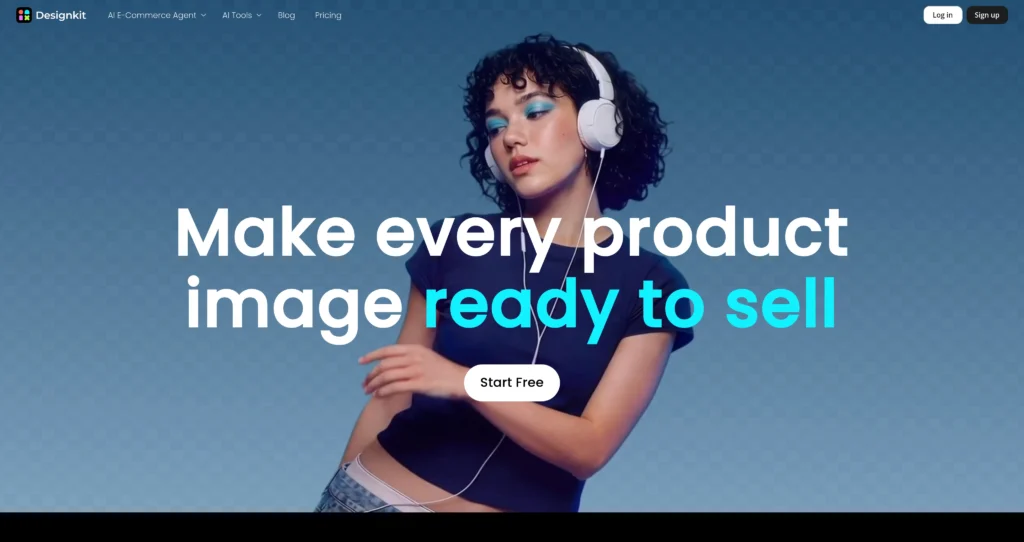
About Designkit

Designkit is an AI e-commerce creative suite for generating product images, product videos, fashion model visuals, backgrounds, and marketing-ready visuals. It is built for online sellers, creators, agencies, and brands that need clean product assets without repeated photo shoots or manual image editing.

The platform includes AI product image generation, fashion model generation, virtual try-on, product video tools, bulk background generation, background removal, object removal, image enhancement, resizing, text editing, and other product-photo workflows. Designkit is especially useful for e-commerce teams that need to create catalog visuals, ads, marketplace images, social creatives, and product-detail-page assets at scale.

Key Features

AI product image generator : Create product photos and e-commerce visuals from prompts or product images for listings, ads, and storefronts.

AI fashion model generator : Generate model images for clothing and fashion products without traditional model shoots.

Virtual try-on : Show clothes, shoes, jewelry, bags, glasses, and other products on AI-generated models or reference visuals.

AI product video tools : Create product videos and video ad-style creatives for e-commerce and social promotion.

AI background tools : Remove, replace, generate, or bulk-generate backgrounds for product images and studio-style shots.

Object and text editing : Remove unwanted objects, erase text, add product labels, update prices, and adjust product images without a complex editor.

Image enhancement and upscaling : Improve product visuals with HD/UHD enhancement, upscaling, resizing, and cleanup tools depending on the plan.

Batch processing : Paid plans include batch processing tools for sellers who need to prepare many images at once.

Pros

✔ Strong fit for e-commerce sellers, marketplace teams, fashion brands, creators, and product marketers.

✔ Covers product images, model photos, videos, background editing, object removal, and enhancement in one suite.

✔ Free plan includes first-login credits for testing key AI workflows.

✔ Batch tools can save time for stores with many SKUs or product variants.

✔ Web, iOS, and Google/Android availability makes it accessible across devices.

✔ Useful for creating product listing photos, ads, PDP visuals, and social content quickly.

Cons

✖ Fetched pricing page did not expose readable Basic/Pro dollar prices, so users should verify current subscription costs before buying.

✖ Free usage is limited and intended mainly for testing.

✖ Generated product visuals still need review for accuracy, texture, fit, proportions, and marketplace compliance.

✖ Heavy sellers may need paid credits or subscriptions for sustained image volume.

✖ Commercial policies, refund rules, and credit validity should be reviewed before high-volume use.

Plans & Pricing

PlanTypePriceUsage LimitInclusions
FreeFree$0/month20 credits on first loginGenerate up to 20 images with AI Agent, up to 10 images with AI Background Generator, limited background/object removal, limited AI removal, and limited HD enhancement.
Basic PlanSubscriptionVerify on official website ⚠️500 credits/monthGenerate up to 500 images with AI Agent, up to 250 images with AI Background Generator, unlimited background/object removal, unlimited AI removal, unlimited UHD enhancement, and batch processing tools.
Pro PlanSubscriptionVerify on official website ⚠️1,500 credits/monthGenerate up to 1,500 images with AI Agent, up to 750 images with AI Background Generator, unlimited removal/enhancement tools, and batch processing features.
Credit PurchasesOne-time add-onVariesPurchased credits valid for one yearOne-time credit purchases are available when running low; membership credits remain valid during the membership period.

Source: designkit.com/pricing (verify current Basic/Pro prices on official website).

FAQs

Q1: What is Designkit used for?+

Designkit is used to create and edit e-commerce product visuals, including AI product photos, fashion model images, background changes, product videos, and batch product assets.

Q2: Does Designkit have a free plan?+

Yes. The Free plan includes 20 first-login credits, limited image generation, limited background/object removal, and limited enhancement features.

Q3: What are Designkit credits?+

Credits allow users to access AI tools. The number of credits required varies by the specific Designkit tool being used.

Q4: Can Designkit process many product images at once?+

Yes. Paid plans include batch processing tools, which are useful for e-commerce teams with many SKUs, variants, or marketplace images.

Q5: Who should use Designkit?+

Designkit is best for e-commerce sellers, fashion brands, agencies, creators, product marketers, and marketplace teams that need fast product visuals without full photo shoots.

0/5
from 0 reviews
★★★★★
(0)
★★★★
(0)
★★★
(0)
★★
(0)
(0)

Leave a Reply

Alternative AI Tools

remotion

Remotion

0 user reviews
Free / Commercial license , Freemium

Remotion is a React framework for creating real MP4 videos programmatically, parameterizing content, rendering server-side, and building custom video creation apps.

, , ,

ui-shadcn

shadcn/ui

0 user reviews
Free / Open Source , Free

shadcn/ui is an open-source component collection for building customizable React design systems with Tailwind CSS, Radix UI patterns, charts, blocks, and copyable source code.

, , ,

Veo 3.1

0 user reviews
Subscription via Google AI plans , Premium

Veo 3.1 is Google Gemini's AI video generation model for creating high-quality 8-second videos with native audio from text prompts or images.

, ,

riverside

Riverside

0 user reviews
Freemium / Subscription , Freemium

Riverside is an AI-powered recording, editing, live streaming, webinar, and podcast production platform for creating studio-quality audio and video content remotely.

, , ,