About Nano Banana 2

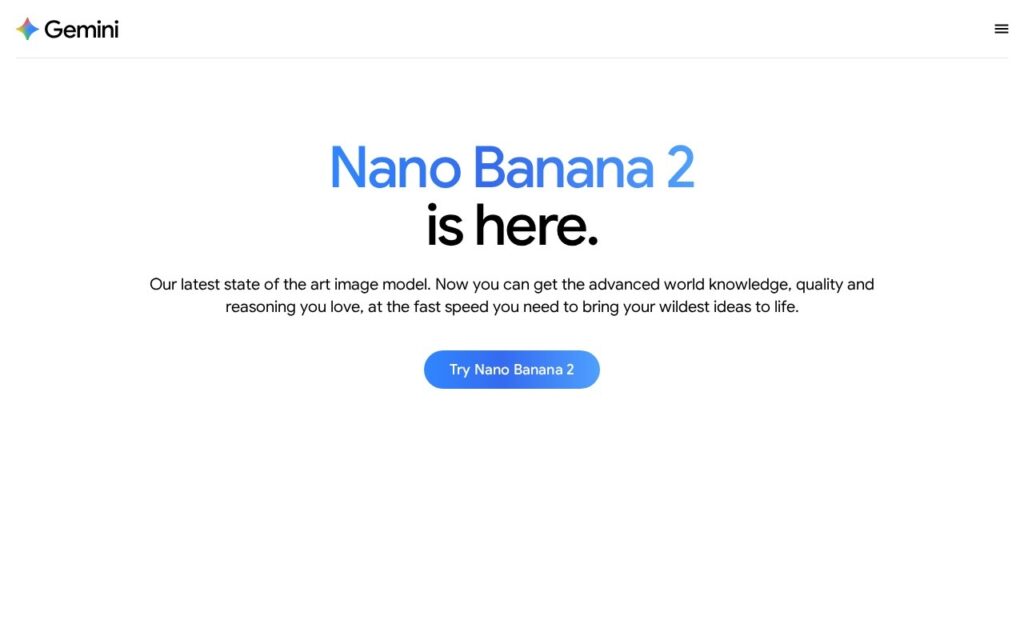
Nano Banana 2 is an AI image generator built on Google’s Imagen technology, designed primarily for marketers, designers, and content creators who need rapid visual assets. While the quirky name might suggest a toy, the underlying engine processes complex text prompts into photorealistic images in under four seconds. It stands out by integrating directly into existing Google workflows, allowing users to generate, edit, and export visuals without leaving their primary workspace. The tool currently supports over 40 languages, making it highly accessible for international teams requiring localized marketing materials without hiring dedicated illustrators.

The platform uses a diffusion-based model optimized for spatial accuracy and text rendering, meaning it struggles less with distorted hands or misspelled signs than older competitors. You’ll find hybrid capabilities like inpainting and outpainting alongside standard generation. Backed by Google’s infrastructure, uptime remains near 99.9%, though server loads during peak hours occasionally cause minor delays. Enterprise users also get strict data privacy guarantees, ensuring proprietary prompts aren’t fed back into public training models, a crucial trust signal for corporate legal teams.

Key Features

Photorealistic Rendering : The diffusion engine utilizes high-fidelity spatial processing to accurately map light and shadow across complex textures. You get lifelike product mockups and portraits that require minimal post-production touch-ups.

Accurate Text Generation : The model incorporates localized typography rendering directly within the image synthesis pipeline. This allows you to create readable signs, labels, and logos without exporting to Photoshop first.

Inpainting and Outpainting : Users can mask specific pixel regions to regenerate elements or expand the canvas beyond its original borders. You can easily fix a distracting background object or change aspect ratios for different social platforms.

Multi-Language Prompting : The natural language processor interprets complex syntax and cultural idioms across 40 different languages. International teams can write prompts in their native tongues rather than relying on clunky translations.

Style Customization Controls : The interface includes parameter sliders for adjusting aspect ratio, depth of field, and specific artistic mediums. You maintain strict control over brand guidelines rather than relying entirely on algorithmic chance.

Invisible Watermarking : SynthID technology embeds machine-readable metadata directly into the pixel structure of every generated file. This protects your intellectual property and clearly identifies the image as AI-generated for compliance purposes.

Batch Generation : The API allows concurrent processing of up to 50 prompts in a single execution queue. Agencies can produce entire monthly content calendars in minutes rather than generating images one by one.

Google Workspace Integration : The tool connects via native APIs to Docs, Slides, and Drive with zero-auth credential sharing. You can drag and drop generated visuals directly into presentations without downloading files locally.

Pros

✔ Generates highly accurate text within images, outperforming Midjourney in typographic tasks

✔ Deep integration with Google Workspace saves significant time for enterprise teams

✔ SynthID watermarking provides necessary transparency for corporate compliance

✔ Renders complex human features like hands and eyes with a remarkably low error rate

✔ Processing speeds average under four seconds per standard resolution image

✔ Supports prompting in 40 languages, removing the English-only barrier

✔ The user interface remains clean and intuitive, avoiding overwhelming technical dashboards

Cons

✖ Struggles with highly stylized or abstract artistic requests compared to specialized competitors

✖ Strict safety filters frequently block benign prompts, causing frustration for creative users

✖ Resolution upscaling limits are noticeably lower than standalone professional tools

✖ Historical accuracy in generation has faced well-documented public issues

✖ Lacks a standalone desktop application, forcing users to rely entirely on the web browser

✖ Prompt adherence drops significantly when asking for more than three specific subjects

✖ Free tier usage is heavily restricted and throttled during high-traffic periods

Plans & Pricing

PlanTypePriceUsage LimitInclusions
FreeIndividual$0/monthSubject to server capacityBasic image generation, standard resolution, web access
Google One AI PremiumPro$19.99/monthUnlimited standard queriesPriority processing, 2TB storage, Workspace integration, Advanced model access
EnterpriseEnterpriseContact SalesCustom limitsAdmin controls, data privacy guarantees, API access, SLA

FAQs

Q1: Does Nano Banana 2 own the copyright to the images I generate? +

No, Google does not claim ownership over the generated images. However, the legal copyright status of AI-generated art remains complex and varies by jurisdiction. You are generally free to use them commercially.

Q2: Can I use this tool to generate images of real people? +

The system employs strict safety guardrails that prevent the creation of photorealistic images of identifiable public figures. This policy aims to reduce the spread of deepfakes and misinformation.

Q3: What happens if I hit my usage limit on the free plan? +

Your generation speed will be heavily throttled, or you may be temporarily locked out during peak hours. Upgrading to the AI Premium tier removes these daily bottlenecks.

Q4: Is there an API available for developers? +

Yes, developers can access the underlying Imagen technology via the Google Cloud Vertex AI platform. Pricing for API calls is calculated per image based on resolution and compute requirements.

Q5: How does the text rendering compare to Midjourney? +

Nano Banana 2 handles typography much better than older Midjourney versions. You can reliably generate specific words on signs or clothing by placing the text in quotes within your prompt.

0/5
from 0 reviews
★★★★★
(0)
★★★★
(0)
★★★
(0)
★★
(0)
(0)

Leave a Reply

Alternative AI Tools

Grok Imagine

0 user reviews
0$-200$ , Freemium

Grok Imagine delivers incredibly fast, highly detailed AI image generation with a controversial lack of strict guardrails. Here is everything you need to know about xAI's powerful new visual tool.

Whisk-labs-google

Whisk

0 user reviews
Free , Free

Whisk by Google Labs transforms images into creative prompts for exploring ideas and storytelling.

pixverse

PixVerse

0 user reviews
$7 - $129 / month , Premium

PixVerse is an AI video generator that transforms text and photos into viral short videos with trending effects, optimized for social media.

,

thumbnail-creator

Thumbnail Creator

0 user reviews
10 credits for 7 days, then $24/mo , Freemium

ThumbnailCreator is an AI-powered YouTube thumbnail generator that helps creators design click-worthy thumbnails in under 30 seconds — no design skills required.

,