
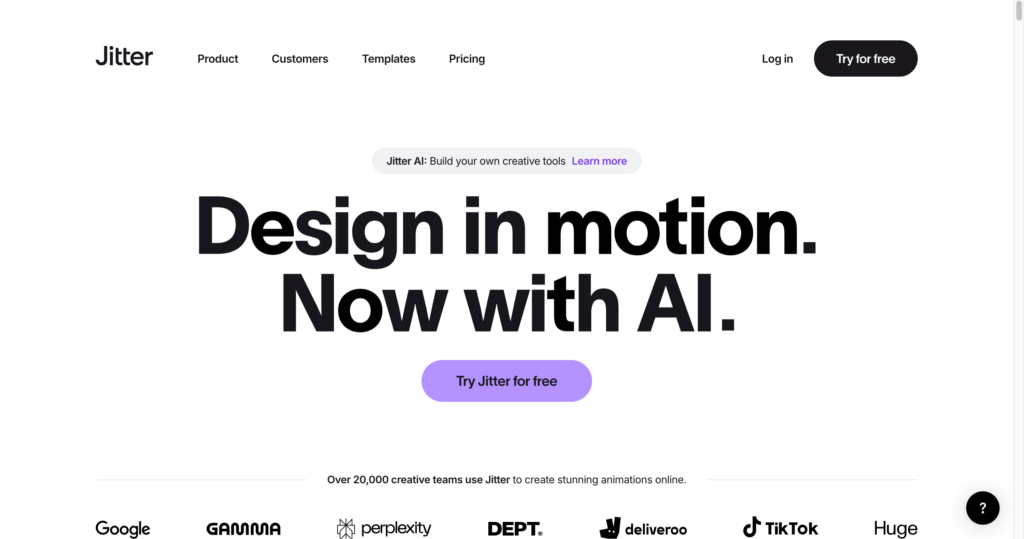
About Jitter
Jitter is a web-based motion design tool for creating animations, social videos, UI motion, product visuals, animated components, GIFs, Lottie files, and video exports directly in the browser. It is built for designers, marketers, agencies, product teams, creators, and teams that want fast motion design without a heavy desktop animation workflow.
Jitter fits well with AI video creation tools, design and branding tools, AI image tools, and website creation tools. Its strengths are Figma import, animation presets, reusable templates, browser collaboration, modern export formats, and AI-assisted workflows such as brainstorm and image-to-video.
Key Features
Browser motion design : Create animated visuals, UI motion, social content, product videos, and branded motion assets without installing desktop software.
Figma import : Bring designs from Figma into Jitter and animate interface screens, product graphics, and design assets faster.
Animation presets : Use presets, custom animations, animated components, and 300+ templates to speed up motion work.
AI workflows : Jitter includes AI Brainstorm, custom AI effects, limited-to-expanded AI credits by plan, and image-to-video on paid tiers.
Export formats : Export video, GIF, Lottie, ProRes, WebM, transparent exports, frame-by-frame sequences, and up to 4K/120fps depending on plan.
Collaboration : Shared workspaces, real-time collaboration, comments, team libraries, admin tools, and centralized billing help creative teams work together.
Templates and components : Start from templates for text animations, logos, devices, charts, buttons, social media showreels, and animated websites.
Education and enterprise options : Jitter offers education support for students and educators plus Enterprise plans with security, SSO, SCIM, and dedicated account management.
Pros
✔ Fast way to create motion design assets in the browser without a complex desktop setup.
✔ Strong fit for designers who already work in Figma and need animation, Lottie, GIF, and video exports.
✔ Free plan includes unlimited drafts, basic exports, animation templates, Figma import, collaboration, and limited AI credits.
✔ Paid plans unlock unlimited workspace files, HD/UHD export, watermark removal, more formats, and stronger collaboration features.
✔ Useful template library for product videos, social content, animated UI, logos, icons, charts, and web motion.
✔ Enterprise plan supports larger organizations with SSO, SCIM, account management, and custom workflow support.
Cons
✖ Official static pricing output does not expose numeric self-serve prices, so users must check the live pricing page at checkout.
✖ Free exports are limited to 720p/30fps and include plan limits such as 3 workspace files.
✖ Advanced exports like 4K, 120fps, transparent export, batch export, and frame-by-frame export require higher paid tiers.
✖ It is optimized for motion design and short creative assets, not full long-form video editing.
✖ AI credits and output limits vary by plan, so heavy AI workflows may require Ultra or Enterprise.
Plans & Pricing
| Plan | Type | Price | Usage Limit | Inclusions |
|---|---|---|---|---|
| Free | Free | US$0 | Unlimited drafts; 3 workspace files; 20MB max upload size | Video, GIF, and Lottie export; 720p/30fps export; Figma import; templates; comments; real-time collaboration; limited AI credits. |
| Pro | Subscription | See official pricing page | Unlimited files and folders; 100MB max upload size | Everything in Free plus 1080p/60fps export, no watermark, ProRes/WebM export, image-to-video, standard AI credits, admin tools, and up to 10 editors. |
| Max | Subscription | See official pricing page | 500MB max upload size; up to 50 editors | Everything in Pro plus 4K/120fps export, batch export, transparent export, frame-by-frame export, centralized billing, priority support, and 2x Pro AI credits. |
| Ultra | Subscription | See official pricing page | 500MB max upload size; high-volume AI usage | Everything in Max plus increased AI output, priority AI processing, and 3x Max AI credits for heavier AI motion workflows. |
| Enterprise | Enterprise | Custom pricing | Custom upload size and usage | Advanced security, custom SSO and SCIM, dedicated account manager, pre-release features, custom integrations, and workflow support. |
Source: jitter.video/pricing (verify current self-serve prices, taxes, AI credits, export limits, and billing terms on the official website).
FAQs
Q1: What is Jitter used for?
Jitter is used to create motion design assets, animated UI, product videos, social videos, GIFs, Lottie animations, website motion, and branded creative content.
Q2: Does Jitter have a free plan?
Yes. Jitter has a Free plan with unlimited drafts, 3 workspace files, video/GIF/Lottie export, 720p/30fps export, Figma import, and limited AI credits.
Q3: Can Jitter import from Figma?
Yes. Jitter supports Figma import, which helps designers turn existing interface and brand designs into animated motion assets.
Q4: What export formats does Jitter support?
Jitter supports video, GIF, Lottie, ProRes, WebM, transparent export, batch export, and frame-by-frame export depending on the selected plan.
Q5: Who should use Jitter?
Jitter is best for designers, marketers, product teams, agencies, studios, creators, and teams that need fast browser-based motion design and animation workflows.
Published on: June 26, 2026