About Wispr Flow
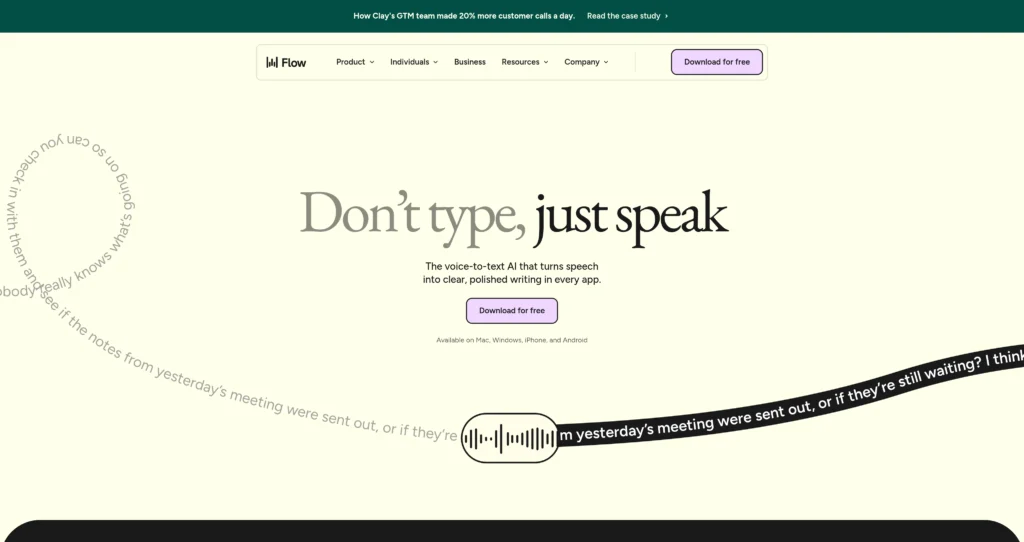
Wispr Flow is an AI-powered voice dictation tool designed specifically for Mac users who want to write faster. Aimed at executives, developers, and writers, it bypasses the clunky interfaces of traditional speech-to-text software by typing your words directly into any active window. The standout feature isn’t just its speed—which allows users to dictate up to three times faster than standard typing—but its ability to automatically format text. You speak naturally, and the software handles the capitalization, punctuation, and structure. It removes the friction of having to dictate every single comma or paragraph break.
Under the hood, the application relies on a hybrid processing model. It handles basic audio capture locally on your machine to ensure near-zero latency, while relying on cloud-based large language models to process complex formatting and tone adjustments. Trust signals are strong, with backing from major tech investors and a rapidly growing user base among professionals. While it requires a stable internet connection for its best features, the reliability and accuracy remain consistently high even during extended dictation sessions.
Key Features
Universal App Compatibility : The software operates at the OS level to insert text directly into the active field of any Mac application. You won’t waste time copying and pasting from a separate dictation window.
Auto-Formatting : The AI engine applies proper capitalization, punctuation, and paragraph breaks automatically. This saves you from the unnatural habit of verbally speaking punctuation marks.
Multi-Language Support : The system recognizes and translates over 100 languages with high accuracy. It’s a highly practical feature for bilingual professionals who switch contexts frequently throughout the workday.
Voice Commands : Users can trigger specific actions, formatting rules, or macros using voice prompts. This speeds up repetitive workflows and formatting tasks without touching the keyboard.
Context Awareness : The tool analyzes the active application to adjust spelling and tone accordingly. It knows the difference between writing code in an IDE and drafting a casual Slack message.
Custom Vocabulary : You can manually add industry-specific jargon, names, or obscure acronyms to your profile. This ensures high accuracy for specialized medical, legal, or technical dictation.
Smart Editing : The interface allows users to rewrite or adjust the tone of a dictated sentence using follow-up voice prompts. It drastically reduces the need to reach for the mouse to make revisions.
Noise Cancellation : Built-in audio processing isolates human speech from distracting background noise. You’ll get accurate transcriptions even if you’re working in a busy coffee shop or open-plan office.
Pros
✔ Unmatched transcription speed with near-zero latency on modern Macs.
✔ Integrates directly into any text field across the entire macOS ecosystem.
✔ Eliminates the tedious need to dictate punctuation like “comma” or “period”.
✔ Highly accurate speech recognition, even with heavy accents or background noise.
✔ Custom vocabulary builder prevents repeated corrections of niche industry terms.
✔ Lightweight background application that doesn’t drain MacBook battery life.
✔ Supports over 100 languages with automatic detection and formatting.
Cons
✖ Currently limited to macOS, leaving Windows and Linux users waiting.
✖ Requires a constant internet connection for advanced AI formatting features.
✖ The free plan has restrictive limits that won’t suffice for heavy daily users.
✖ Occasional hiccups occur when switching rapidly between multiple text fields.
✖ Voice commands can sometimes misfire if not spoken clearly and deliberately.
✖ Lacks a dedicated mobile companion app for dictating on iOS or Android.
✖ Enterprise administrative features require contacting sales for custom deployment.
Plans & Pricing
| Plan | Type | Price | Usage Limit | Inclusions |
|---|---|---|---|---|
| Free | Basic | $0/month | Limited monthly usage | Standard dictation, basic auto-formatting, universal Mac app support. |
| Flow Pro | Premium | $12/month (billed annually) ⚠️ (Verify on official website) | Unlimited | Advanced AI formatting, custom vocabulary, multi-language support, smart editing. |
| Enterprise | Custom | Contact Sales | Custom | Team billing, priority support, custom deployment, advanced security controls. |
FAQs
Q1: Does Wispr Flow work offline?
Basic dictation works offline if you have a compatible Apple Silicon Mac. However, advanced AI formatting and tone adjustments require an active internet connection to function properly.
Q2: Can I use Wispr Flow on Windows?
Not currently. The application is built specifically for macOS. The development team has indicated a Windows version is on their roadmap, but there is no official release date yet.
Q3: How does it handle background noise?
It uses advanced noise-cancellation algorithms to isolate your voice from ambient sounds. You can dictate accurately even in busy coffee shops or loud open-plan offices.
Q4: Do I need to speak punctuation marks?
No, you can speak completely naturally. The underlying AI automatically infers and inserts commas, periods, and question marks based on your sentence structure and pauses.
Q5: Is my voice data secure?
Wispr Flow encrypts all data in transit and does not use your personal audio recordings to train their public AI models. Enterprise plans offer even stricter data retention and privacy policies.
Published on: May 11, 2026