
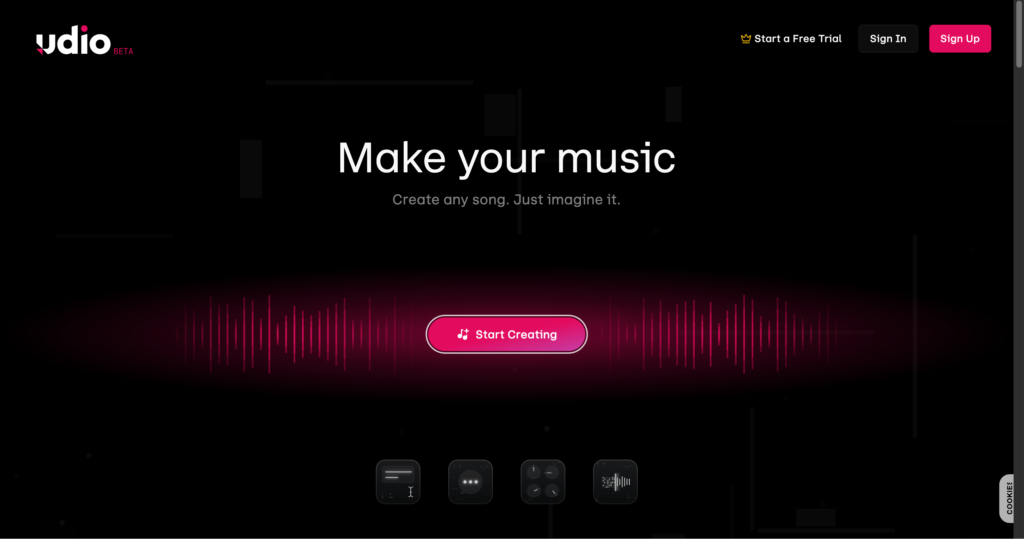
About Udio
Udio is an AI music generator that turns text prompts and lyrics into complete songs. Creators can describe a genre, mood, subject, instrumentation, or vocal direction and generate multiple musical ideas for further development. It is designed for musicians, producers, songwriters, filmmakers, marketers, and hobbyists who want a fast way to explore original compositions.
Beyond initial generation, Udio provides tools to extend songs, remix existing creations, replace selected passages, edit lyrics, and guide new music with owned audio uploads on paid plans. Its Sessions workspace offers waveform-based editing with alternate takes and undo controls. Udio belongs alongside other AI audio and music tools, including LALAL.AI for stem separation and Riffusion AI for music generation.
Key Features
Prompt-based song generation : Creates vocal or instrumental music from descriptions of genre, mood, theme, instrumentation, and musical direction.
Custom lyrics : Lets creators provide and edit lyrics or generate instrumental passages when vocals are not needed.
Song extension : Adds intros, sections, and outros before or after a track, with support for building arrangements across multiple extensions.
Remix controls : Reimagines a track with a variance control that ranges from subtle adjustments to major genre and arrangement changes.
Sessions editor : Paid subscribers can edit on a waveform timeline, replace passages, extend tracks, compare generated takes, and undo changes.
Audio uploads : Paid users can upload audio they own to extend, remix, style, inpaint, or use as creative guidance.
Voice and style controls : Subscription features include Voice Control, style references, music editing, lyrics editing, and custom cover artwork.
Community discovery : Users can publish songs, discover other creators, and control whether others may remix, extend, or style individual tracks.
Pros
✔ Generates both vocal songs and instrumentals from natural-language prompts.
✔ Free account provides daily credits plus an additional monthly credit allowance.
✔ Extend, Remix, Inpaint, Edit, and Sessions support iterative song development.
✔ Paid users can guide generations with audio they own.
✔ Standard and Pro plans provide substantially higher monthly generation limits.
✔ Creators can restrict remixing, extending, and styling permissions per published song.
Cons
✖ Udio’s official help center currently states that audio, video, and stem downloads are disabled.
✖ Free users can generate only three approximately two-minute songs per day.
✖ Free and subscription credit limits reset and do not roll over each month.
✖ Audio uploads and the Sessions timeline editor require a paid subscription.
✖ Users may upload only audio they own or have the rights to use.
✖ AI-generated results can require several iterations to achieve precise lyrics, structure, or production style.
Plans & Pricing
| Plan | Type | Price | Usage Limit | Inclusions |
|---|---|---|---|---|
| Free | Free | $0 | 10 daily credits plus a 100-credit monthly limit; up to three 130-second songs/day | Core song generation, extending, remixing, inpainting, and editing with free-account limits. |
| Standard | Subscription | $10/month or $96/year in the US | Up to 2,400 credits/month | Higher creation limits, up to six songs generated simultaneously, Voice Control, audio uploads, music and lyrics editing, style references, custom cover art, and Sessions. |
| Pro | Subscription | $30/month; annual pricing available | Up to 6,000 credits/month | Standard features, up to ten songs generated simultaneously, higher monthly capacity, and experimental early access features such as Styles within Sessions. |
| Extra Credits | One-time | Varies | Based on selected credit pack | A la carte credits are available from the pricing page and do not expire. |
Source: Udio pricing. Prices may vary by country and tax. Verify current plan prices, credit limits, trial terms, and feature availability on the official website.
FAQs
Q1: What is Udio used for?
Udio is used to generate original vocal music and instrumentals from prompts, write and edit lyrics, remix songs, extend arrangements, replace sections, and explore new musical styles.
Q2: Is Udio free?
Yes. Free accounts receive a limit of 10 daily credits and an additional 100-credit monthly limit, with no more than three approximately two-minute generations per day.
Q3: How do Udio credits work?
A pair of 32-second songs costs two credits, while a pair of approximately 130-second songs costs four credits. Free and subscription limits reset rather than roll over, while separately purchased credits do not expire.
Q4: Can I upload my own audio to Udio?
Paid subscribers can upload audio they own and use it to extend, remix, style, inpaint, or begin a Sessions editing workflow. Copyrighted audio without permission must not be uploaded.
Q5: Can I download songs from Udio?
Udio’s official help center currently says downloading audio, video, and stems has been disabled. Check the official help center for the latest availability before starting an export-dependent project.
Q6: What is Udio Sessions?
Sessions is a waveform-based editor for paid subscribers. It supports extending or replacing song sections, editing lyrics, comparing alternate takes, saving work automatically, and undoing changes.
Published on: July 1, 2026