About Riverside
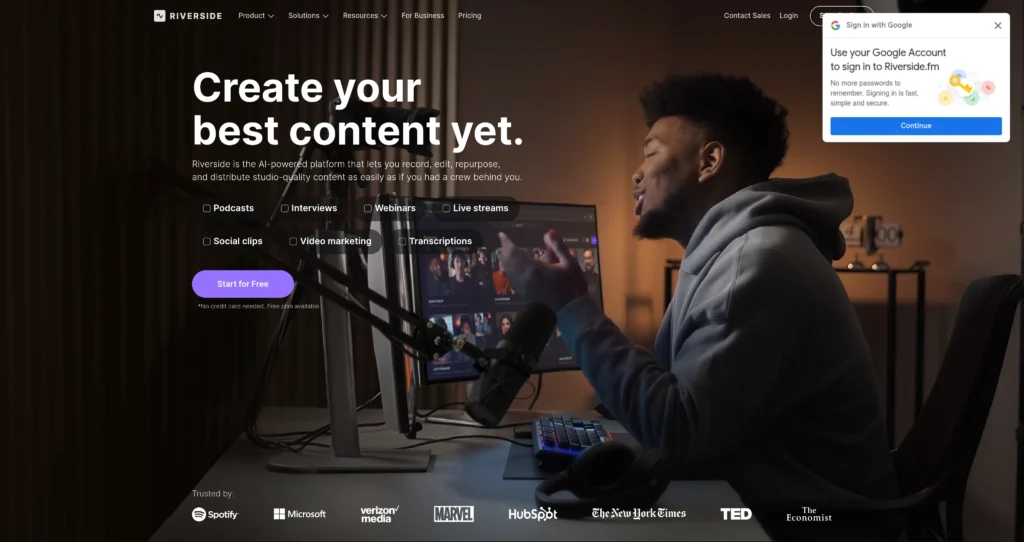
Riverside is an AI-powered content creation platform for recording, editing, repurposing, streaming, hosting, and publishing studio-quality audio and video. It is popular with podcasters, video marketers, producers, educators, webinar teams, and businesses that need reliable remote recording with separate audio and video tracks.
The platform combines local 4K recording, uncompressed audio, text-based editing, AI transcription, Magic Clips, Magic Audio, captions, AI show notes, AI translation, live streaming, webinar hosting, and podcast publishing. Riverside is useful when teams want to turn one recording session into polished long-form episodes, short clips, captions, social posts, webinar assets, and podcast-ready materials without jumping between many separate tools.
Key Features
Local studio-quality recording : Capture separate audio and video tracks locally, with up to 4K video and high-quality audio on paid plans.
Text-based video editing : Edit recordings by editing the transcript, making podcast and video cleanup faster for non-editors.
AI editing tools : Use Magic Audio, eye contact correction, transcription, silence removal, filler-word removal, Magic Clips, and show notes depending on the plan.
Repurposing workflow : Turn long recordings into clips, captions, thumbnails, headlines, and promotional assets for social channels.
Live streaming and webinars : Stream in full HD, multistream to major platforms, manage live chats, host webinars, collect registrations, and repurpose webinar recordings.
Podcast hosting and publishing : Publish to YouTube, Spotify, Apple Podcasts, and podcast directories, with analytics and automated metadata tools.
Branding and collaboration : Add logos, colors, overlays, intros, outros, roles, workspaces, producer mode, and collaborative editing on higher plans.
Business-grade controls : Business plans add unlimited recording/storage options, API access, enterprise security, SSO, priority support, and onboarding.
Pros
✔ Excellent fit for podcasters, interview shows, video marketers, webinar teams, and remote production teams.
✔ Local recording helps preserve quality even when internet connections are unstable.
✔ AI editing and transcript editing can reduce post-production time significantly.
✔ Combines recording, editing, repurposing, streaming, webinar, and podcast publishing workflows.
✔ Free plan and 14-day trials make it easy to test before paying.
✔ Strong option for teams that turn one recording into many marketing assets.
Cons
✖ Free plan includes Riverside watermark and limited multi-track recording.
✖ Higher-quality recording, no watermark, and advanced AI tools require paid plans.
✖ Live streaming and webinar workflows are priced separately from the core Pro plan.
✖ Business features like SSO, API access, unlimited recording, and advanced roles require custom pricing.
✖ Teams still need editorial review for clips, captions, show notes, and translated content before publishing.
Plans & Pricing
| Plan | Type | Price | Usage Limit | Inclusions |
|---|---|---|---|---|
| Free | Free | $0/month | 2 hours one-off multi-track recording | Up to 720p video, 44.1 kHz audio, Riverside watermark, unlimited single-track recording/editing, Magic Clips, and video calls. |
| Pro | Subscription | $24/month billed annually | 15 hours/month multi-track recording | Up to 4K video, 48kHz audio, no watermark, text-based editing, AI editing/repurposing tools, Magic Clips, show notes, publishing, analytics, and social sharing. |
| Live | Subscription | $34/month billed annually | Includes Pro features plus live features | Full HD live streaming, multistreaming to unlimited destinations, custom RTMP, omnichat, live call-ins, lower thirds, overlays, and speaker management. |
| Webinar | Subscription | $79/month billed annually | Up to 100 registrants | Everything in Live plus webinar hosting, pre-recorded webinars, unlimited scheduled sessions, branded registration, automated reminders, Q&A, analytics, HubSpot integration, and registrant API. |
| Business | Custom | Contact sales | Custom / unlimited options | Unlimited multi-track recording, custom branding, async workflows, simultaneous recording, unlimited storage, producer mode, custom roles, API access, SSO, SOC2/ISO security, priority support, and onboarding. |
Source: riverside.com/lp/plans and riverside.com/pricing (verify on official website).
FAQs
Q1: What is Riverside used for?
Riverside is used to record, edit, stream, repurpose, host, and publish podcasts, interviews, webinars, video marketing content, internal communications, and social clips.
Q2: Does Riverside record locally?
Yes. Riverside records locally on each participant’s device so final tracks can remain high quality even if the live internet connection fluctuates.
Q3: What AI tools does Riverside include?
Riverside includes AI transcription, Magic Clips, Magic Audio, show notes, eye contact correction, filler-word and silence removal, captions, translation, and AI repurposing features depending on the plan.
Q4: Is there a free plan?
Yes. Riverside has a free plan with limited multi-track recording, 720p video, watermarking, and basic editing/recording features.
Q5: Who should use Riverside?
Riverside is best for podcasters, creators, marketers, producers, webinar hosts, educators, and teams that need high-quality remote recording and fast content repurposing.
Published on: May 17, 2026