Google's Free AI Powerhouse Tools
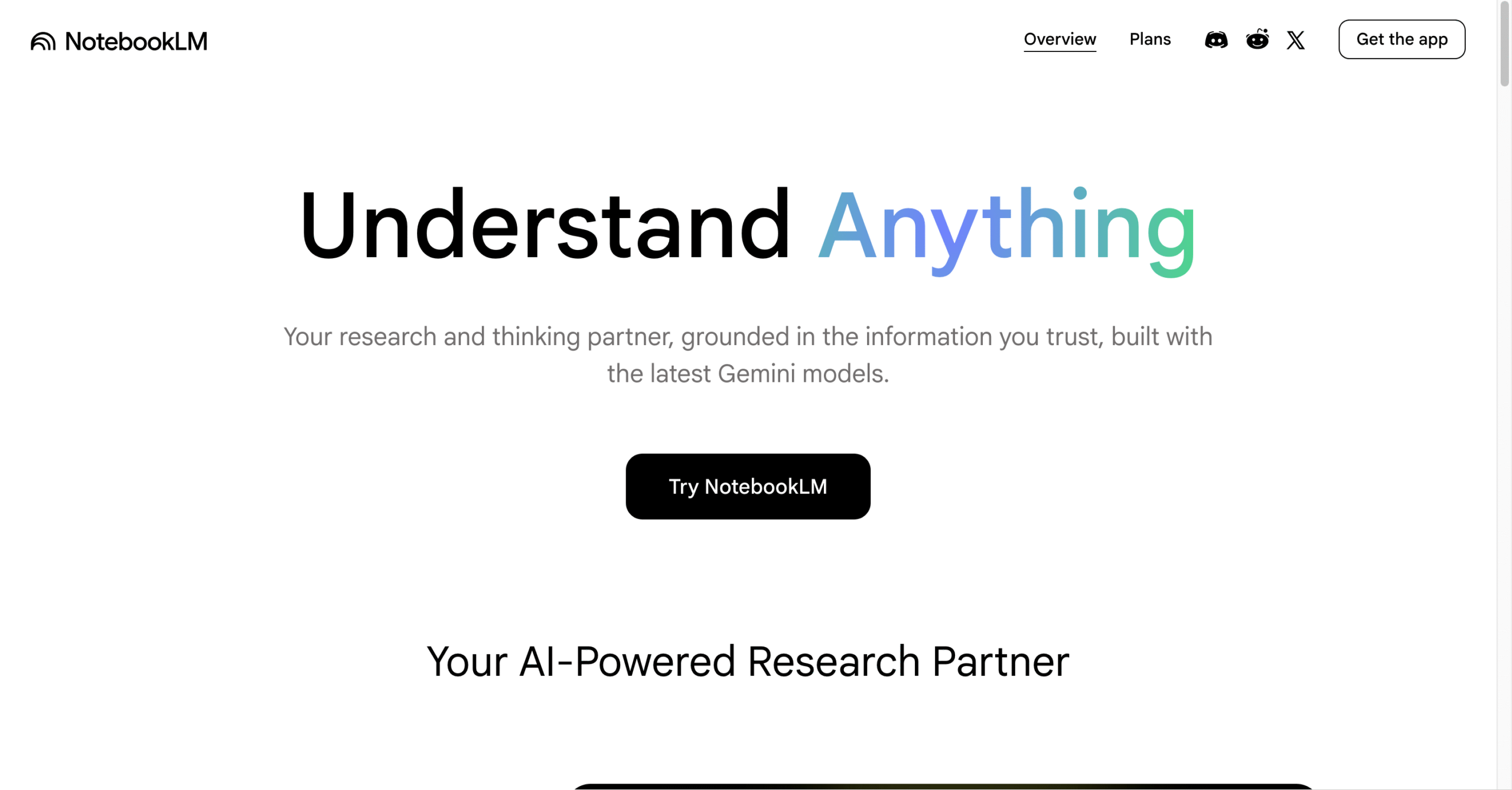
NotebookLM is Google's AI-powered research assistant that lets you upload documents, websites, YouTube videos, and audio files to create a personalized AI knowledge base. It synthesizes information from your sources and generates answers grounded exclusively in your uploaded content — eliminating hallucinations.
Best Use Case: Researching topics from your own documents, generating source-grounded summaries, and creating AI-generated audio overviews.
Key Features
-
✔ Source-Grounded AI: Answers are generated exclusively from your uploaded sources — no hallucinations.
-
✔ Audio Overviews: Generates podcast-style audio summaries of your research materials automatically.
-
✔ Multi-Source Upload: Supports PDFs, Google Docs, websites, YouTube videos, and audio files.
-
✔ Inline Citations: Every AI response includes clickable citations linking back to original source passages.
-
✔ Interactive Notes: Create, organize, and refine notes with AI assistance within each notebook.
-
✔ Gemini Integration: Powered by Google Gemini for advanced reasoning and synthesis capabilities.
👍 Pros
- ✔ Completely free with no usage limits or premium tiers
- ✔ Zero hallucinations — answers strictly from uploaded sources
- ✔ Audio Overview feature creates engaging podcast-style summaries
- ✔ Supports diverse source types including YouTube and audio
- ✔ Excellent for academic research and literature reviews
- ✔ Clean, intuitive interface with organized notebook structure
👎 Cons
- ❌ Limited to 50 sources per notebook maximum
- ❌ Audio overviews take several minutes to generate
- ❌ Cannot access external web content beyond uploaded sources
- ❌ Requires Google account for access
- ❌ Currently no API or programmatic access available
- ❌ Collaboration features are still limited compared to Google Docs
Source: NotebookLM Official Page (100% Free).
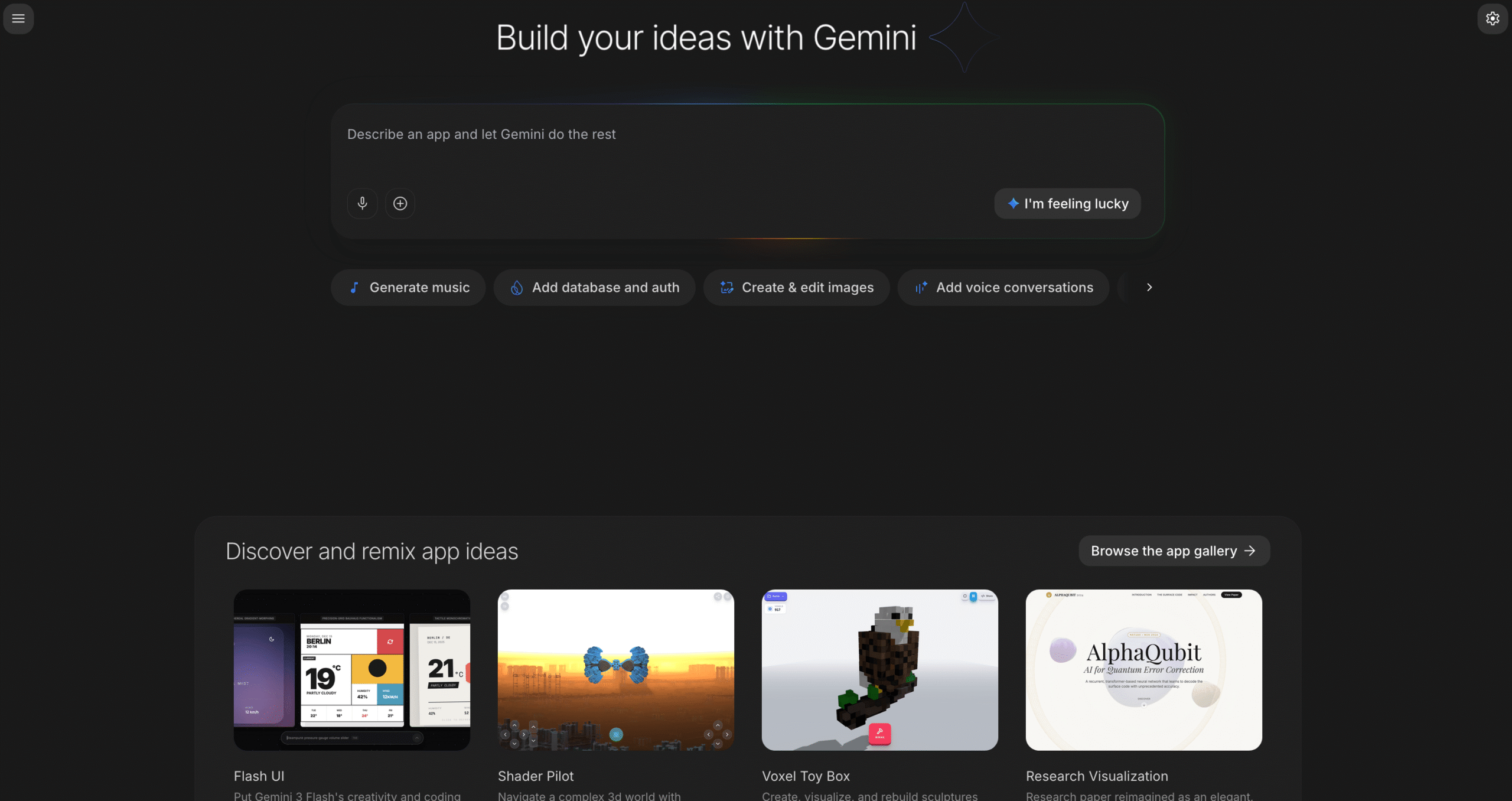
Google AI Studio is a free, browser-based development environment for prototyping and testing with Google's Gemini AI models. Developers can experiment with text, image, and multimodal prompts, fine-tune models, and generate API keys — all at zero cost with generous free-tier quotas.
Best Use Case: Prototyping AI applications with Gemini models, testing multimodal prompts, and generating free API keys.
Key Features
-
✔ Gemini Access: Direct access to Gemini Pro, Gemini Flash, and Gemini Ultra models for experimentation.
-
✔ Multimodal Prompting: Test text, image, video, and audio inputs in a single prompt interface.
-
✔ Free API Keys: Generate Gemini API keys with generous free-tier rate limits for development.
-
✔ Structured Outputs: Configure JSON schema outputs for reliable structured data extraction.
-
✔ System Instructions: Define custom system prompts and model behaviors for specialized applications.
-
✔ Prompt Gallery: Browse and clone pre-built prompt templates for common AI use cases.
👍 Pros
- ✔ Completely free with generous API rate limits
- ✔ Access to latest Gemini models including Flash and Pro
- ✔ Excellent multimodal capabilities for text, image, and video
- ✔ One-click API key generation for rapid prototyping
- ✔ No credit card required to start building
- ✔ Seamless integration with Google Cloud ecosystem
👎 Cons
- ❌ Free tier has rate limits for API calls per minute
- ❌ Advanced fine-tuning requires Google Cloud billing setup
- ❌ Interface can be overwhelming for non-technical users
- ❌ Limited model customization compared to enterprise platforms
- ❌ Some newer model features in preview may have instability
- ❌ Production deployment requires migration to Vertex AI
Source: Google AI Studio Official Page (100% Free).
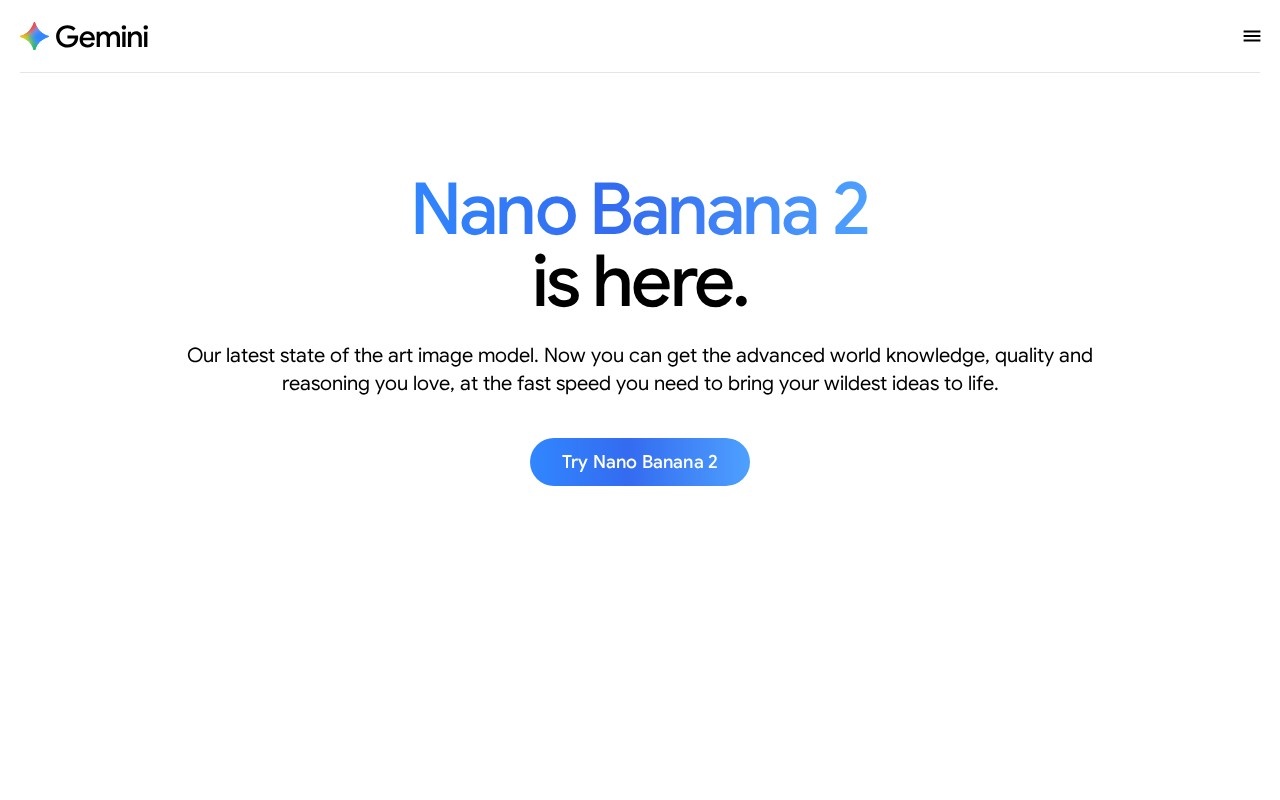
Imagen 3 (accessible via ImageFX) is Google's most advanced text-to-image AI model. It generates photorealistic images, artistic illustrations, and creative compositions from text descriptions with remarkable quality and detail — completely free through Google's AI Test Kitchen.
Best Use Case: Generating high-quality photorealistic images, artistic illustrations, and creative visual content from text prompts.
Key Features
-
✔ Photorealistic Output: Generates highly detailed, lifelike images that rival professional photography.
-
✔ Artistic Styles: Create illustrations, paintings, digital art, and diverse artistic compositions.
-
✔ Expressive Chips: Interactive prompt suggestions that help refine and explore creative variations.
-
✔ SynthID Watermarking: Invisible digital watermarks for responsible AI-generated content identification.
-
✔ High Resolution: Outputs high-resolution images suitable for presentations and creative projects.
-
✔ Prompt Refinement: AI-assisted prompt suggestions to improve image quality and accuracy.
👍 Pros
- ✔ Completely free — no credits, tokens, or subscriptions required
- ✔ Industry-leading photorealistic image quality
- ✔ Excellent understanding of complex, detailed text prompts
- ✔ Built-in safety guardrails and content moderation
- ✔ SynthID watermarking for responsible AI content creation
- ✔ Simple, clean interface accessible to all skill levels
👎 Cons
- ❌ Limited daily generation quota during high-demand periods
- ❌ No API access for programmatic image generation
- ❌ Cannot generate images of real people or public figures
- ❌ Limited control over exact composition and layout
- ❌ No image editing or inpainting capabilities yet
- ❌ Availability varies by geographic region
Source: Nano Banana 2 Official Page (100% Free).
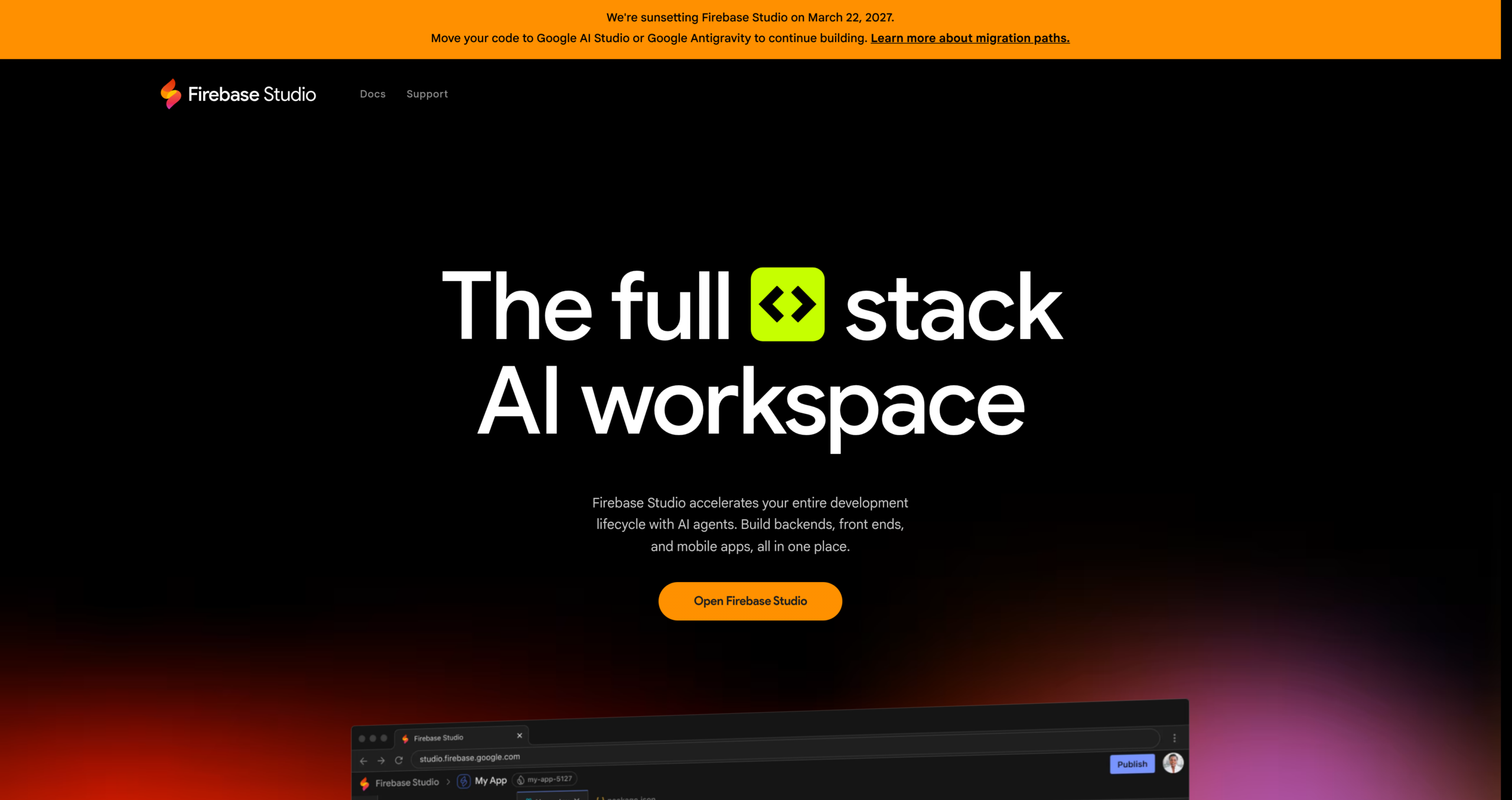
Firebase Studio is Google's cloud-based full-stack development platform that combines AI-assisted coding with Firebase backend services. It provides a browser-based IDE powered by Gemini AI with integrated Firestore, Authentication, Cloud Functions, and one-click deployment.
Best Use Case: Building cloud-native web and mobile applications with integrated Firebase backend and Gemini AI assistance.
Key Features
-
✔ Gemini-Powered IDE: AI code assistance using Google Gemini models directly in the browser IDE.
-
✔ Cloud Workspaces: Full Linux-based development environments accessible from any browser.
-
✔ Firebase Backend: Integrated Firestore database, Authentication, and Cloud Functions setup.
-
✔ App Prototyping: Generate full application blueprints from text or image descriptions.
-
✔ Live Preview: Real-time application preview with hot module replacement during development.
-
✔ One-Click Deploy: Deploy to Firebase Hosting with automatic SSL, CDN, and domain configuration.
👍 Pros
- ✔ Free Spark plan includes generous usage quotas for development
- ✔ Seamless integration with entire Google Cloud ecosystem
- ✔ Gemini AI provides intelligent code suggestions and debugging
- ✔ No local machine setup needed — fully cloud-based
- ✔ Automatic SSL certificates and global CDN for deployed apps
- ✔ Ideal for serverless and real-time application architectures
👎 Cons
- ❌ Blaze (pay-as-you-go) plan needed for production-scale apps
- ❌ Steeper learning curve for developers new to Firebase services
- ❌ Creates vendor lock-in with Google Cloud infrastructure
- ❌ Limited support for non-Firebase backend technologies
- ❌ Cloud workspace performance depends on internet connection
- ❌ Some advanced features still in preview or beta stage
Source: Firebase Studio Official Page (Free (Spark Plan)).
Quick Comparison of Google's Free AI Tools
Compare features, use-cases, and ratings of Google's best free AI offerings.
| Tool Name | Primary Category | Best Use Case | Price | Overall Rating |
|---|
| AI Research Assistant | Researching topics from your own documents, generating source-grounded summaries, and creating AI-generated audio overviews. | ✅ 100% Free | 9.6 / 10 |
| Gemini Prototyping | Prototyping AI applications with Gemini models, testing multimodal prompts, and generating free API keys. | ✅ 100% Free | 9.5 / 10 |
| AI Image Generation | Generating high-quality photorealistic images, artistic illustrations, and creative visual content from text prompts. | ✅ 100% Free | 9.3 / 10 |
| Cloud Dev Platform | Building cloud-native web and mobile applications with integrated Firebase backend and Gemini AI assistance. | ✅ Free (Spark Plan) | 9.3 / 10 |
How to Get the Most from Google's AI Ecosystem
Google's AI tools are free and powerful, but getting maximum value requires understanding how they work together. Follow these tips to unlock their full potential:
Combine Tools for Maximum Impact
Use NotebookLM for research synthesis, Google AI Studio for prototyping AI features, and Firebase Studio for building and deploying — creating a complete free development pipeline.
Leverage Free API Quotas
Google AI Studio provides generous free API rate limits for Gemini models. Start prototyping immediately without billing setup and only upgrade to Vertex AI when you need production scale.
Stay Updated with Google AI
Google frequently updates its AI tools with new models and features. Follow the Google AI Blog and enable notifications in AI Studio to access new capabilities as soon as they launch.
Frequently Asked Questions about Google AI Tools
Common questions about Google's free AI tools and how to use them.
Are Google's AI tools really 100% free?
+
Yes! NotebookLM, Google AI Studio, and ImageFX (Imagen 3) are completely free to use. Firebase Studio offers a free Spark plan with generous quotas. You only pay if you exceed free-tier limits on Firebase or need production-scale Vertex AI access.
What is NotebookLM and how does it prevent AI hallucinations?
+
NotebookLM is Google's AI research assistant that generates answers exclusively from sources you upload (PDFs, docs, websites, YouTube videos). Since it only references your materials, it eliminates the common problem of AI making up facts — every response includes inline citations to your original sources.
Can I use Google AI Studio to build production applications?
+
Google AI Studio is primarily designed for prototyping and testing. For production deployments with higher rate limits and SLA guarantees, you should migrate to Vertex AI on Google Cloud. However, the free API keys from AI Studio work well for side projects and personal applications.
How does Imagen 3 compare to Midjourney or DALL-E?
+
Imagen 3 produces photorealistic images on par with Midjourney and DALL-E 3 in quality. Its key advantage is being completely free with no subscription required. However, it has stricter content safety guardrails and fewer creative control options compared to paid alternatives.
Do I need a Google account to use these tools?
+
Yes, all Google AI tools require a free Google account for access. Simply sign in with your Gmail or Google Workspace account to start using NotebookLM, AI Studio, ImageFX, and Firebase Studio immediately.