About Tool
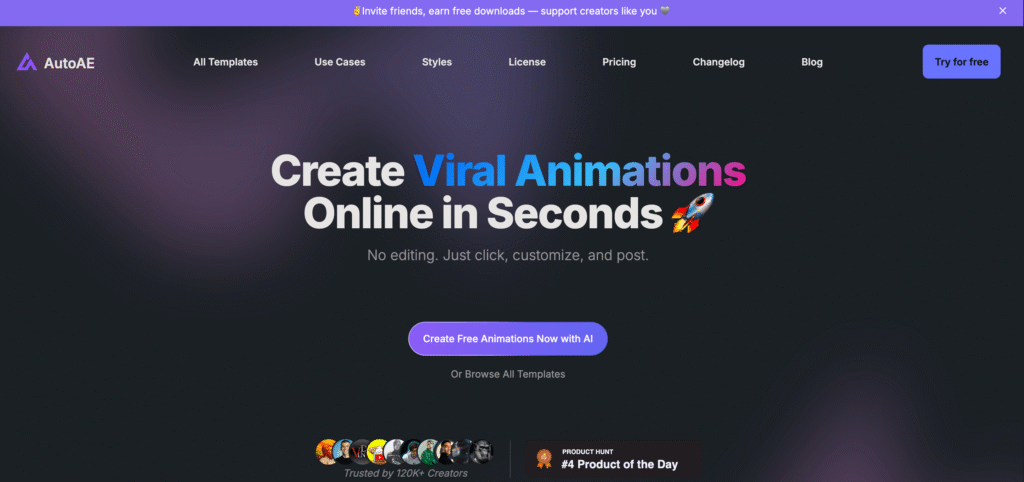
AutoAE revolutionizes motion graphics creation by making professional-level animations accessible to creators without After Effects expertise. This AI-powered platform transforms static images into viral video hooks, 3D transformations, animated flowcharts, and dynamic text animations in seconds rather than hours.
Built specifically for YouTube and social media creators, AutoAE eliminates complex keyframe timelines and technical barriers, delivering agency-quality motion graphics through a simple click-and-customize interface with weekly template updates following the latest viral trends.
Key Features
AI Motion Graphics Designer : Creates professional text animations, 3D clips, and viral hooks in seconds without keyframes or timeline editing.
Viral Hook Templates : Access 100+ trending templates updated weekly including flowcharts, mockups, and engagement animations optimized for social media.
3D Transformation Tool : Converts static images into dynamic 3D clips with depth, movement, and cinematic effects automatically.
Animated Google Search : Creates engaging Google search animations showing questions and answers in viral-worthy format.
Video Flowchart Generator : Transforms data and concepts into animated flowcharts that simplify complex information visually.
Dynamic Text Animation : Produces attention-grabbing text transitions, kinetic typography, and animated titles with professional effects.
Engagement Mockup Creator : Designs realistic social media mockups showcasing likes, comments, and shares for product demonstrations.
Commercial License Included : Lifetime commercial rights on paid plans for YouTube monetization, client work, and business use.
Pros
✔ Cuts editing time by 50-70% compared to manual After Effects workflows
✔ No motion graphics experience required for professional-quality results
✔ Weekly template updates keep content aligned with latest viral trends
✔ One-time purchase option ($2.90) available alongside subscription plans
✔ 1080p Full HD exports maintain professional quality for all platforms
✔ Simple click-and-customize interface drastically reduces learning curve
✔ Affordable pricing makes agency-quality animations accessible to solo creators
Cons
✖ No 4K export options limit use for ultra-high-resolution projects
✖ Template-based approach reduces creative customization depth compared to After Effects
✖ Free plan limited to 5 downloads monthly with 720p resolution and watermarks
✖ Some users report download/export issues requiring email support resolution
✖ Premium templates sometimes appear only near subscription expiration dates
✖ Limited to preset animation styles without frame-by-frame control
✖ No API access restricts integration with external workflows or automation
Plans & Pricing
| Plan | Type | Price | Downloads | Inclusions |
|---|---|---|---|---|
| Free | Forever Free | $0 | 5/month (720p) | Basic templates, 720p HD resolution, watermark on exports, non-commercial use only, access to trending effects |
| One-Time | Single Purchase | $2.90 | 1 download (1080p) | Single high-quality export, 1080p Full HD, no watermark, commercial license, perfect for testing or one-off projects |
| Starter | Monthly | $8.30/month | 50/month (1080p) | All templates, 1080p Full HD, no watermark, commercial license, priority template access, email support |
| Creator | Monthly | $20.75/month | 100/month (1080p) | Everything in Starter, plus: premium templates, early access to new effects, priority support, faster processing queue |
FAQs
Q1: Is AutoAE completely free to use?
AutoAE offers a free forever plan with 5 downloads monthly at 720p resolution. Exports include watermarks and are for non-commercial use only. For watermark-free commercial use, paid plans start at $8.30/month or $2.90 for a single one-time purchase.
Q2: Can I use AutoAE animations for YouTube monetization?
Yes, all paid plans (Starter, Creator, and One-Time purchase) include lifetime commercial licenses. You can use animations for monetized YouTube videos, client work, and business purposes without restrictions.
Q3: Do I need video editing experience to use AutoAE?
No editing experience required. AutoAE uses a simple click-and-customize interface that eliminates complex keyframes and timelines. Users report cutting editing time by 50-70% compared to traditional motion graphics software.
Q4: What resolution are the exported videos?
Free plan exports at 720p HD. Paid plans (Starter and Creator) export at 1080p Full HD. Currently, 4K resolution exports are not available on any plan.
Q5: How often are new templates added?
AutoAE updates its template library weekly with trending viral effects and animations. This keeps your content aligned with the latest social media trends without requiring research or manual updates.
Published on: March 24, 2026