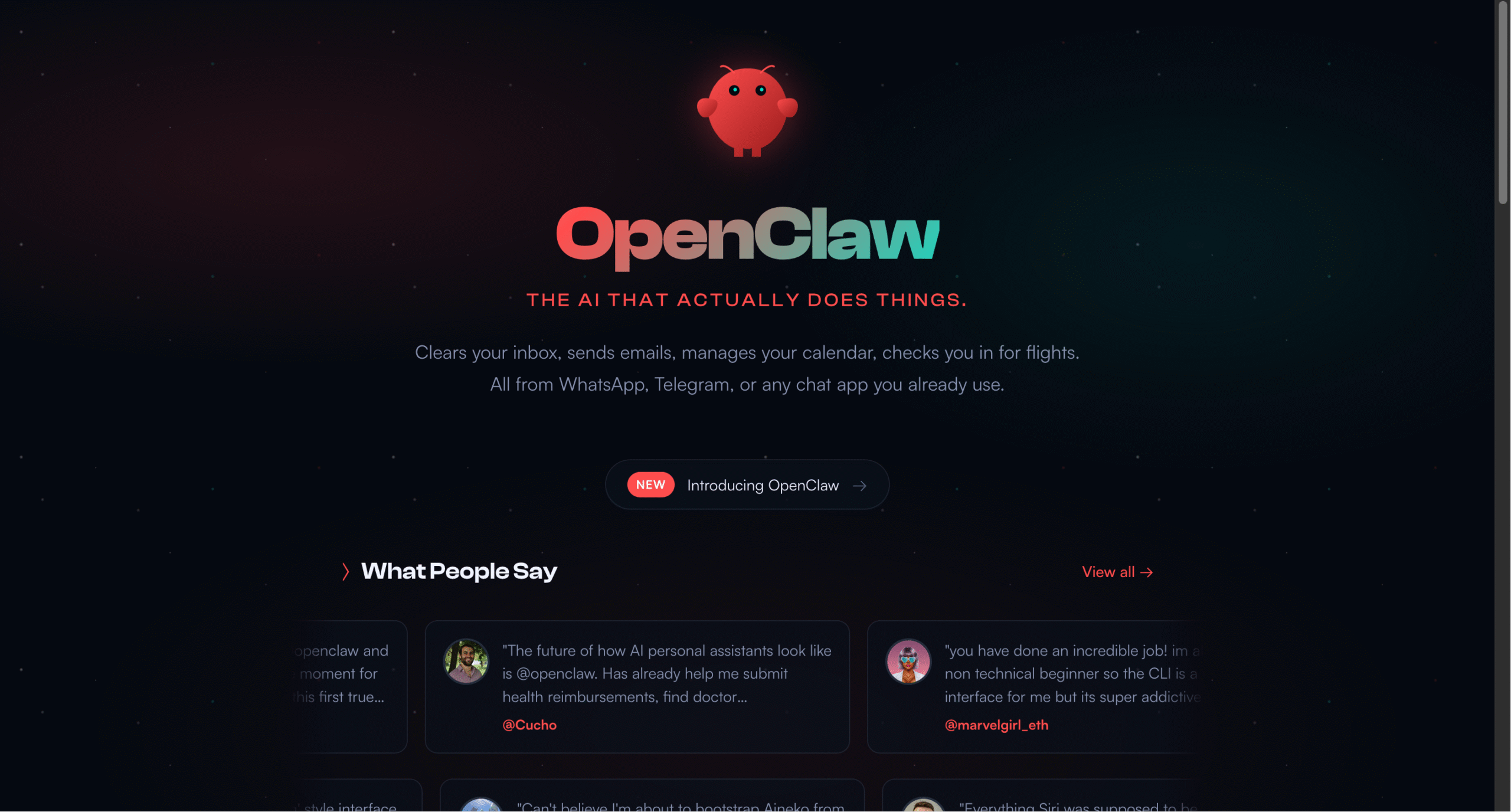
In the rapidly evolving landscape of artificial intelligence, a project that began as “Moltbot” and evolved into OpenClaw is capturing the imagination of developers, entrepreneurs, and AI enthusiasts worldwide. What makes this open-source personal AI assistant different from the countless AI tools flooding the market? It’s simple: OpenClaw doesn’t just answer questions—it actually does things.
What is OpenClaw?
OpenClaw is an open-source personal AI assistant that runs on your own computer—whether that’s a Mac, Windows PC, or Linux machine. Created by Peter Steinberger and a growing community of contributors, it represents a fundamental shift in how we interact with AI. Instead of being confined to a chat window or specific app, OpenClaw integrates seamlessly into your existing workflow through the messaging apps you already use: WhatsApp, Telegram, Discord, Slack, Signal, or iMessage.
The project’s journey from “Moltbot” to OpenClaw reflects its evolution from an experimental concept to a robust platform that’s changing how people think about AI assistants. The name itself—featuring a playful lobster mascot—belies the serious capabilities underneath.
Why It’s Different
Your Data, Your Computer
Unlike cloud-based AI services, OpenClaw runs entirely on your machine. This means your data never leaves your control unless you explicitly tell it to. You can choose between using Anthropic’s Claude, OpenAI’s models, or even run it completely locally. It’s privacy by default, not as an afterthought.
Real Computer Control
OpenClaw doesn’t just simulate actions—it has actual access to your computer. It can browse the web, fill out forms, read and write files, execute shell commands, and run scripts. Users have reported it autonomously fixing bugs in their code, managing their calendars, processing health reimbursements, and even controlling IoT devices like air purifiers.
One user described it as “a smart model with eyes and hands at a desk with keyboard and mouse. You message it like a coworker and it does everything a person could do.”
Persistent Memory
Perhaps most impressively, OpenClaw remembers. Unlike traditional chatbots that forget context between sessions, OpenClaw builds a persistent understanding of who you are, your preferences, and your ongoing projects. It becomes uniquely yours over time, creating what users describe as a “second brain” that’s always accessible.
Extensible Through Skills
The platform supports a plugin-like system called “skills” that can be built by the community—or even by OpenClaw itself. Users report asking their OpenClaw instance to build new capabilities, and watching it write the code, test it, and immediately start using the new skill. This self-improving nature is what many find most exciting about the platform.
Real-World Use Cases
The community testimonials reveal the breadth of what people are accomplishing:
- Development workflows: Developers are running autonomous code review loops, fixing test failures, and managing Claude Code sessions—all from their phones while away from their desks.
- Email and calendar management: OpenClaw handles inbox organization, meeting scheduling, and even flight check-ins without manual intervention.
- Content creation: Users are building websites, generating custom meditations, and creating video content by simply describing what they want.
- Task automation: From submitting health insurance claims to unsubscribing from unwanted emails, OpenClaw handles tedious administrative work.
- IoT integration: Control of smart home devices, monitoring of health metrics from wearables, and even automated photography based on weather conditions.
The “iPhone Moment” Effect
Multiple users independently describe their first experience with OpenClaw as an “iPhone moment”—that rare feeling of technology fundamentally shifting what’s possible. One user wrote: “After a few weeks with it, this is the first time I have felt like I am living in the future since the launch of ChatGPT.”
This sentiment is echoed across the community. Users report the experience of going from skeptical (“this looks complicated”) to amazed (“controlling Gmail, Calendar, WordPress from Telegram like a boss”) in under 30 minutes.
Technical Foundation
OpenClaw is built on Node.js and can be installed via npm or from source. The project offers both a command-line interface and a companion macOS app for menubar access. Installation is deliberately simple—a one-liner that handles all dependencies automatically.
The platform integrates with over 50 services and tools, from productivity apps like Obsidian and Notion to development tools like GitHub, and entertainment services like Spotify. The browser control capabilities allow it to interact with virtually any web service.
Community and Development
What’s remarkable about OpenClaw is the active community that’s formed around it. Users aren’t just passive consumers—they’re actively building new skills, sharing workflows, and pushing the boundaries of what’s possible. The project maintains active presence on Discord, GitHub, and has spawned ClawHub, a repository for community-created skills.
The open-source nature means improvements come rapidly. Users report constantly checking for new releases, something one contributor noted as unusual: “OpenClaw is the first ‘software’ in ages for which I constantly check for new releases on GitHub.”
Looking Forward
The broader implications of OpenClaw extend beyond individual productivity. As one user observed: “It will actually be the thing that nukes a ton of startups, not ChatGPT as people meme about. The fact that it’s hackable and hostable on-prem will make sure tech like this DOMINATES conventional SaaS.”
The project represents a democratization of AI capabilities. Instead of waiting for tech giants to build the perfect assistant, individuals and teams can deploy their own, customize it completely, and maintain full control over their data and workflows.
Getting Started
For those interested in trying OpenClaw, the barrier to entry is remarkably low. A single command installs everything needed, and the onboarding process guides users through setup. The project maintains comprehensive documentation and an active support community for troubleshooting.
The question isn’t whether OpenClaw will succeed—the enthusiastic community response suggests it already has. The question is how this model of personal, self-hosted AI assistants will reshape our expectations of what AI tools should do and who should control them.
As one community member put it: “The future is here. It’s just running on a Mac mini in someone’s closet, accessible via WhatsApp, and it’s shaped like a lobster.”
Note: OpenClaw is an independent open-source project and is not affiliated with Anthropic or OpenAI, though it can use their APIs. The project was formerly known as Clawdbot and Moltbot.